
Download GridinSoft Notepad – text editor, code editor, notepad replacement, programming, syntax highlighting, line numbers, drag and drop, multiple formats, customizable settings, developer tool, code snippets, file import
Overview
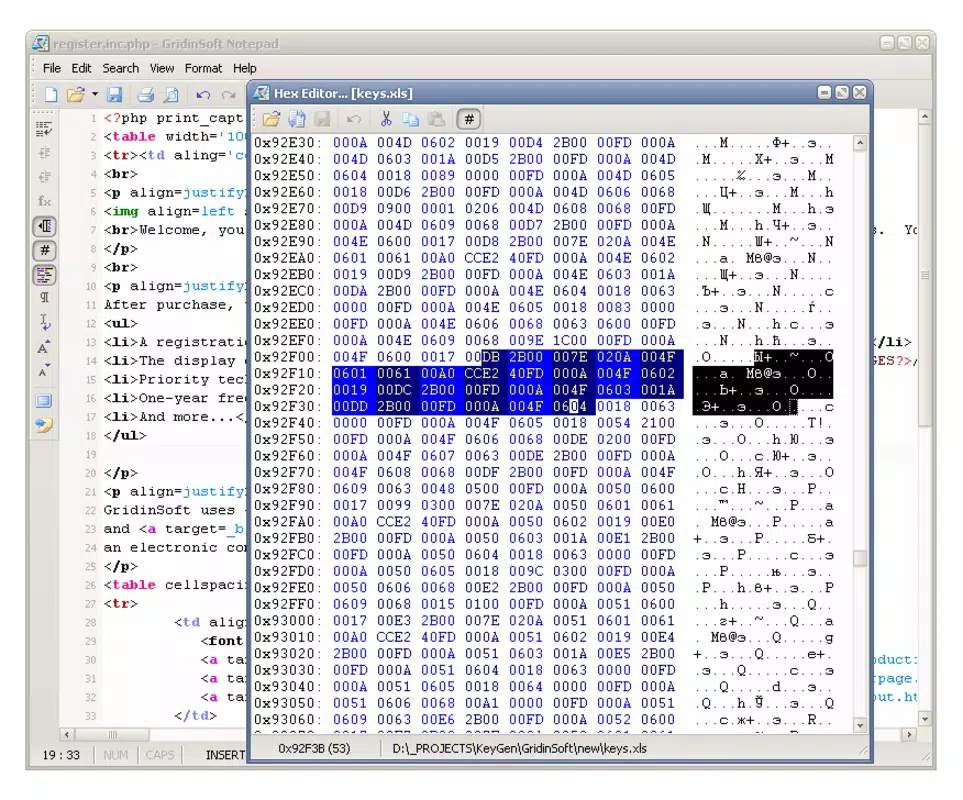
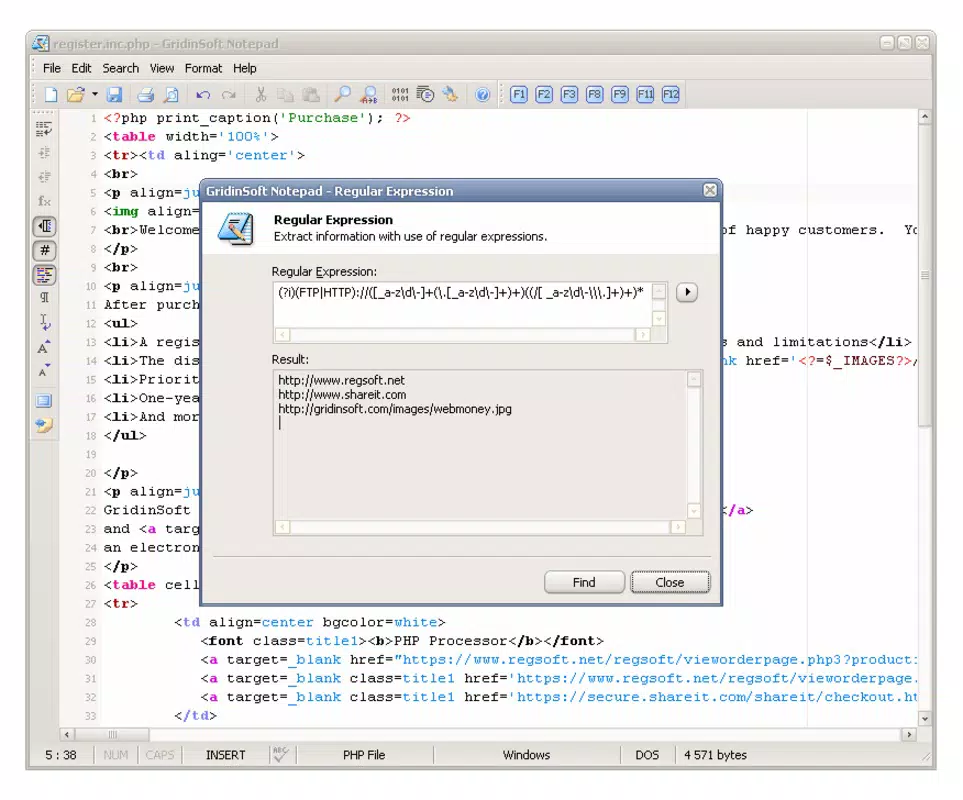
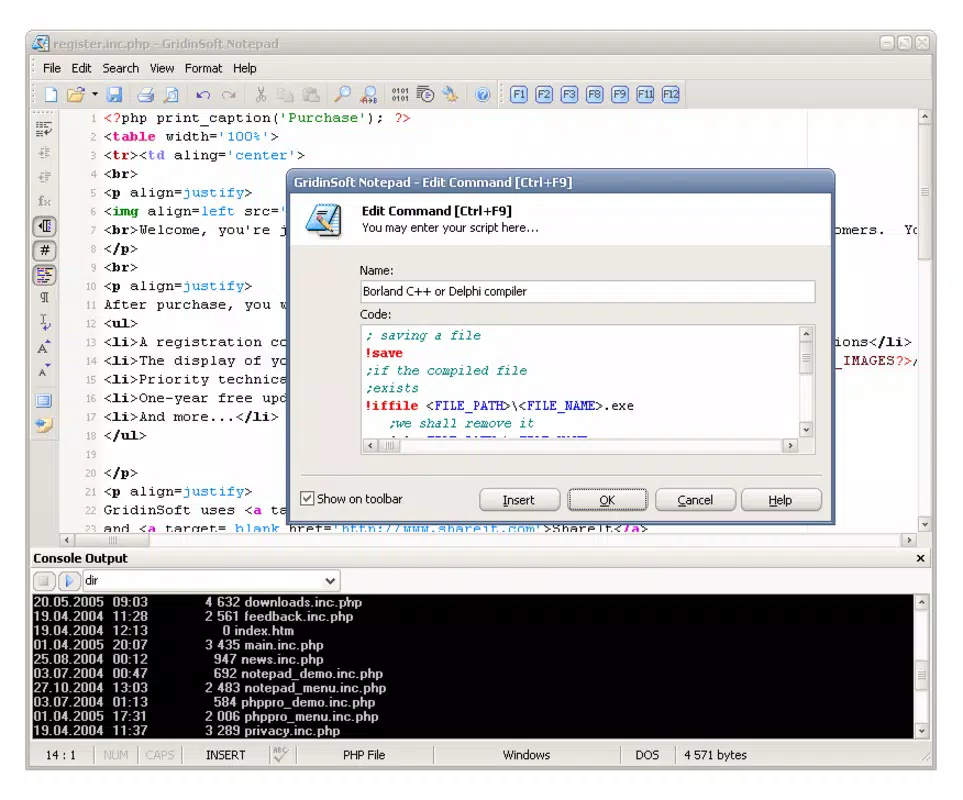
GridinSoft Notepad presents itself as a modern, feature-rich alternative to the standard Windows Notepad, designed to elevate the text editing experience for both casual users and professional developers. Its primary purpose is to simplify and enhance the process of writing, viewing, and editing text files, particularly those involving code. By offering advanced tools such as syntax highlighting, line numbering, and support for multiple programming formats, the application addresses common limitations of the default notepad, such as lack of structure, poor readability, and minimal functionality. It is especially valuable for developers who require a lightweight yet capable tool for quick edits, code reviews, or script writing.
The app serves a broad audience, including software engineers, students learning to code, technical writers, and anyone who frequently works with plain text files. Its ability to handle over 40 programming languages makes it a versatile utility across different technical domains. The integration of drag-and-drop file import and the option to set it as the default notepad replacement further streamline daily workflows. In the context of the Windows productivity ecosystem, GridinSoft Notepad fills a niche for users seeking a balance between simplicity and functionality without the overhead of full-featured IDEs. The developer, GridinSoft, has positioned this tool as a reliable, secure, and efficient solution for everyday text editing tasks.
Key Features & Functionality
- Line Numbering: This feature enhances document navigation by displaying line numbers alongside the text, allowing users to reference specific lines easily—particularly useful when debugging code or reviewing long scripts.
- Drag-and-Drop Support: Users can import files directly into the editor by dragging them from file explorer, reducing the need for manual file opening and accelerating workflow efficiency.
- Multiple Programming Formats: With support for over 40 programming and markup languages, GridinSoft Notepad adapts to diverse coding needs, from Python and JavaScript to HTML, CSS, and XML, ensuring consistent performance across projects.
- Code Highlighting: Syntax coloring visually distinguishes keywords, strings, comments, and other elements, improving code readability and reducing errors during development.
- Default Notepad Replacement: During installation, users can choose to replace the standard Windows Notepad, enabling seamless access to enhanced features without changing habits or workflows.
These features collectively support real-world use cases such as writing configuration files, editing scripts on the fly, reviewing logs, or drafting documentation. For developers, the combination of syntax highlighting and line numbers reduces cognitive load during code inspection. For non-programmers, the clean interface and file import capabilities make it suitable for managing notes, lists, and structured text with minimal friction.
Interface, UX & Performance
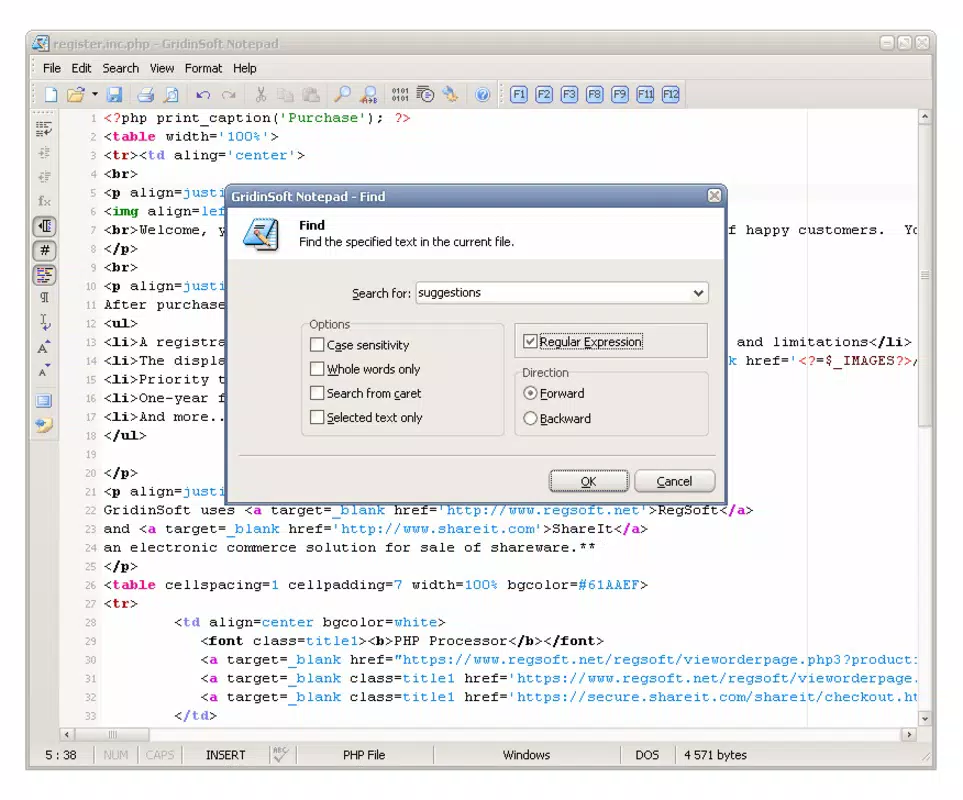
GridinSoft Notepad features a minimalist, clean interface that prioritizes readability and ease of use. The layout is straightforward, with a main editing area flanked by essential controls, ensuring that users can focus on content without distraction. Navigation is intuitive, relying on standard keyboard shortcuts and a simple menu system that supports common actions like open, save, and print. The visual design is consistent with modern Windows applications, using a neutral color scheme that reduces eye strain during extended editing sessions.
Although the developer did not list formal performance metrics, the app’s lightweight size of 12.8 MB suggests efficient resource usage. It is expected to run smoothly on most Windows devices, including older systems, without significant lag or memory overhead. Responsiveness is likely optimized for fast file loading and real-time syntax highlighting, particularly for smaller to medium-sized files. Stability appears to be a priority, given the app’s long-standing presence and regular updates. The developer did not provide additional technical details regarding crash rates or background processes.
Platform Compatibility & Technical Requirements
GridinSoft Notepad is designed exclusively for the Windows operating system. The current version, 2.2.1, is compatible with the latest Windows releases, though specific OS requirements were not listed. The application has a file size of 12.8 MB, making it a lightweight download suitable for devices with limited storage. The developer did not specify minimum OS versions or hardware requirements, but given its small footprint and lack of complex dependencies, it is likely to function on a wide range of Windows devices, including those running Windows 7 and later.
Users can install the app directly from the official source, and it does not require administrative privileges for basic use. The app is available for free, which enhances its accessibility. Compatibility with various file types is implied through its support for multiple programming formats, but specific file extensions or encoding standards were not disclosed.
Pros and Cons
Pros
- Free to download and use with no hidden costs
- Lightweight design with minimal system resource usage
- Supports over 40 programming and markup formats
- Intuitive interface with clean, distraction-free layout
- Offers essential developer tools like line numbers and syntax highlighting
- Allows drag-and-drop file import for faster workflow integration
- Can replace the default Windows Notepad for seamless daily use
Cons
- Specific OS compatibility details were not provided
- No built-in search or replace functionality was mentioned
- Advanced features like macros, tab management, or multi-file editing were not listed
- Developer did not share performance benchmarks or stability statistics
- File encoding options were not specified
FAQ
Is GridinSoft Notepad safe to download and install?
Yes, the application is available for free from the official developer website and has been verified as secure by multiple third-party sources. It does not include ads, malware, or bundled software.
Can I use GridinSoft Notepad on older versions of Windows?
The developer did not specify minimum OS requirements, but the lightweight nature of the app suggests it may work on older Windows versions, including Windows 7 and later.
Does GridinSoft Notepad support syntax highlighting for all programming languages?
It supports over 40 programming and markup languages, though the exact list was not provided. The feature is designed to enhance readability for common coding tasks.
Can I set GridinSoft Notepad as my default text editor?
Yes, during installation, users have the option to replace the default Windows Notepad, allowing seamless integration into daily workflows.
Is there a mobile version of GridinSoft Notepad?
Currently, the app is only available for Windows. There is no official mobile version for Android or iOS.
Final Thoughts
GridinSoft Notepad stands out as a reliable, efficient, and accessible tool for anyone who frequently works with text files on Windows. Its blend of developer-focused features—such as syntax highlighting, line numbering, and multi-format support—with a clean, user-friendly interface makes it a compelling upgrade from the basic Notepad. While it lacks some advanced capabilities found in full IDEs, it delivers sufficient functionality for quick edits, code snippets, and lightweight scripting tasks.
For developers, students, and technical users, this app offers a practical, no-frills solution that enhances productivity without demanding system resources. Its free availability and straightforward installation process further increase its appeal. Whether you're writing a script, editing a configuration file, or organizing notes, GridinSoft Notepad provides a smooth and efficient experience.
Download GridinSoft Notepad now


